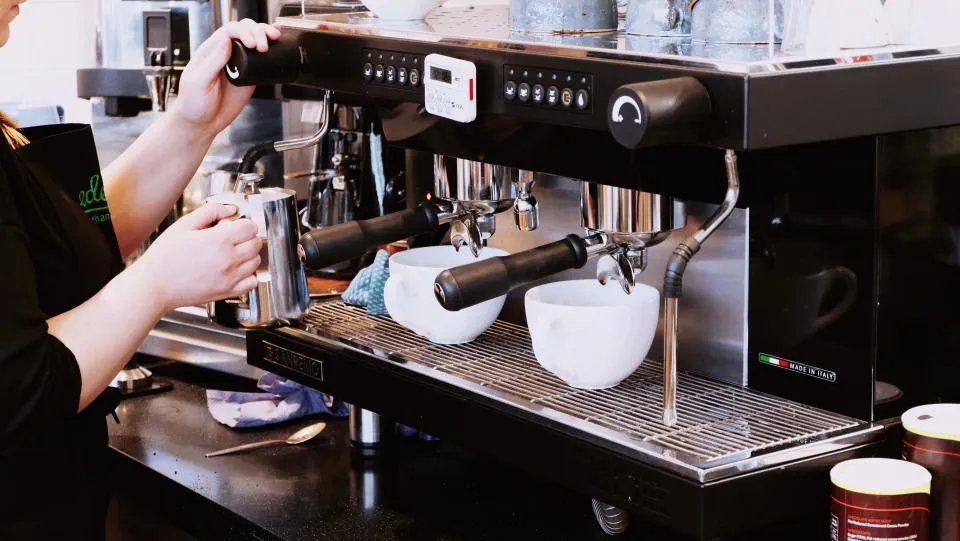
What to learn
The course
Six short lessons built on your recipes, your service standards and your brand.
See the lessonsDemo project · Onboarding for a coffee chain
How a coffee chain could onboard new baristas with our training app, shown on our demo brand Bean & Brew: a course built on its recipes, the app on phones, tablets and computers, and one panel for all its cafés.
See it in action
Under a minute each. See what your new barista sees, what they learn, and what you see as a manager.

One complete solution
What to learn
Six short lessons built on your recipes, your service standards and your brand.
See the lessonsWhere to learn
Training on the phone in their pocket, on the tablet behind the bar or on the computer in the office.
See the app
Who is ready
Every café and every new hire in one view: invitations, deadlines, progress and reports.
See the panelThe course
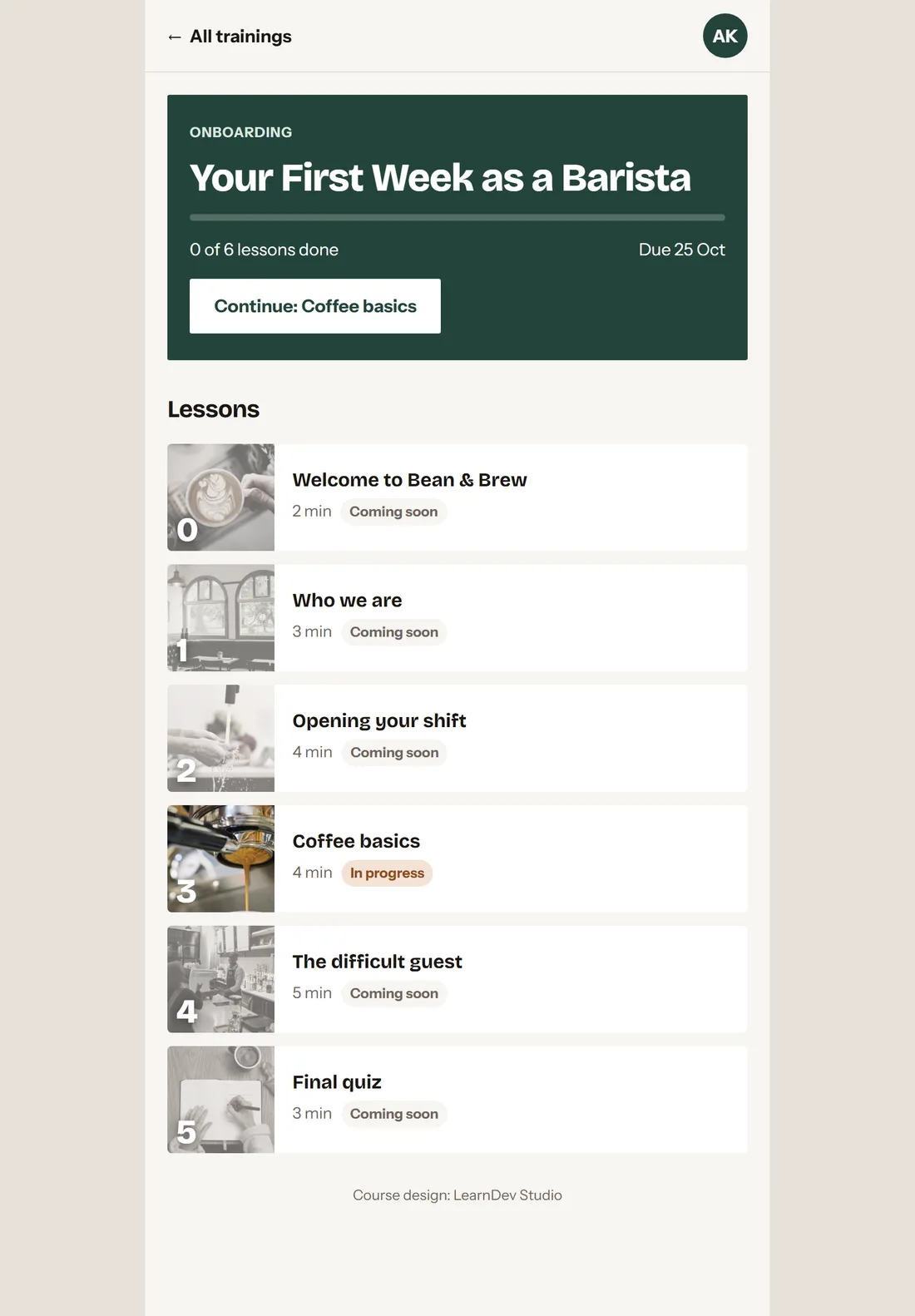
Six lessons that take a new hire from your company story to a perfect espresso, in short sessions that fit between shifts.
Who is who, what makes your café yours, what the first week looks like.
Your story, your values and the standard every guest can expect.
The opening routine, step by step, so the café is ready before the first guest.
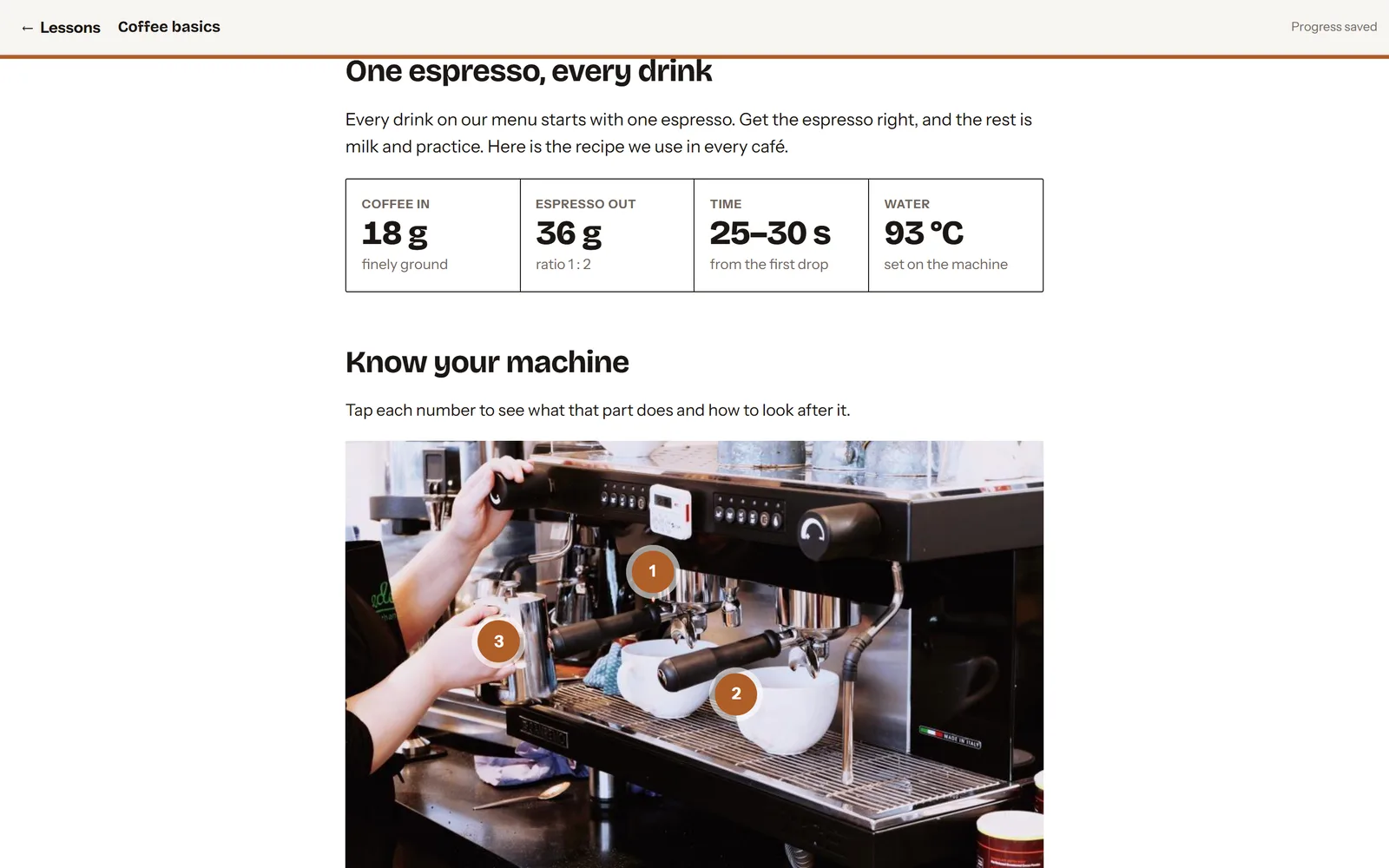
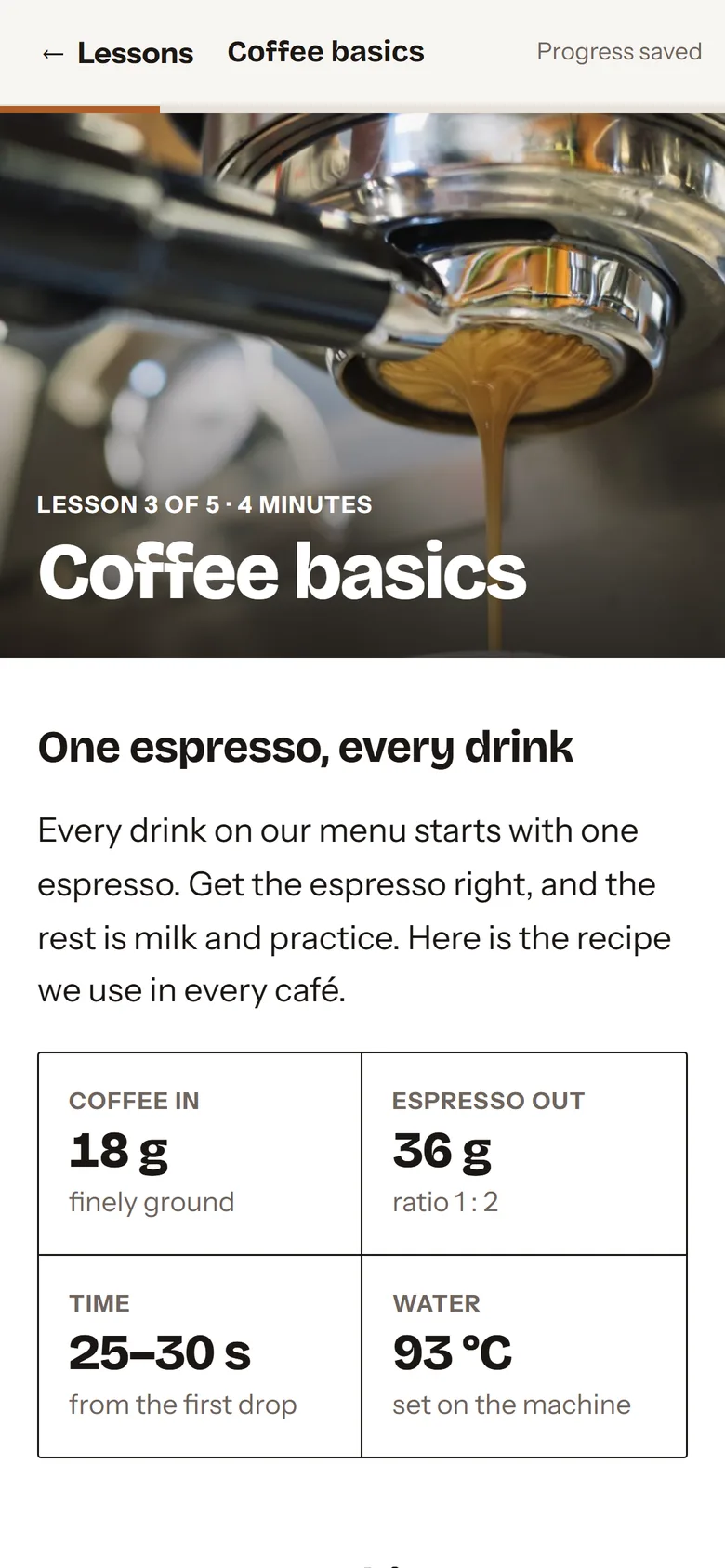
Your espresso recipe, reading and fixing a shot, steaming milk and the questions guests ask most.
Practise a tough conversation and see where every choice leads.
A short test, then a certificate with the barista's name and date.
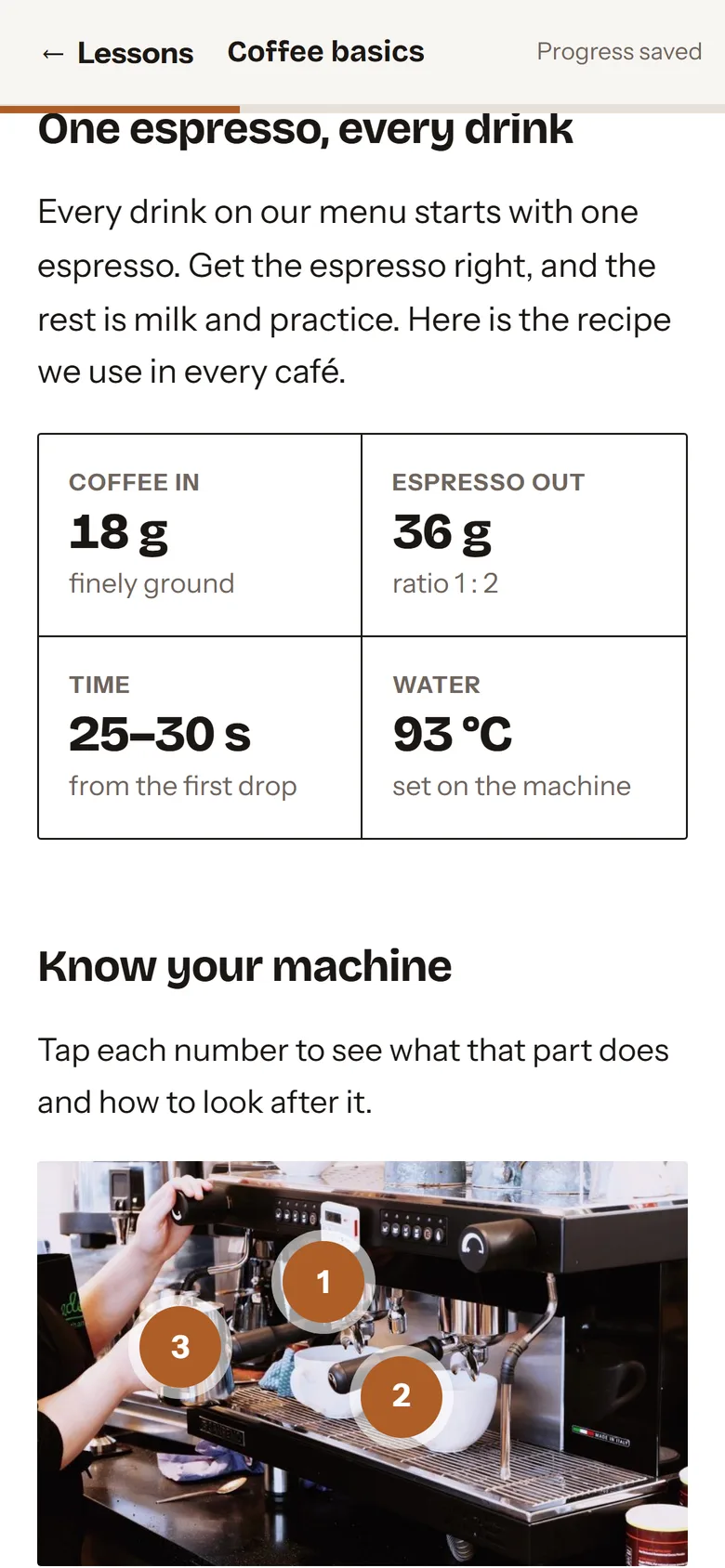
Your recipe, in clear numbers
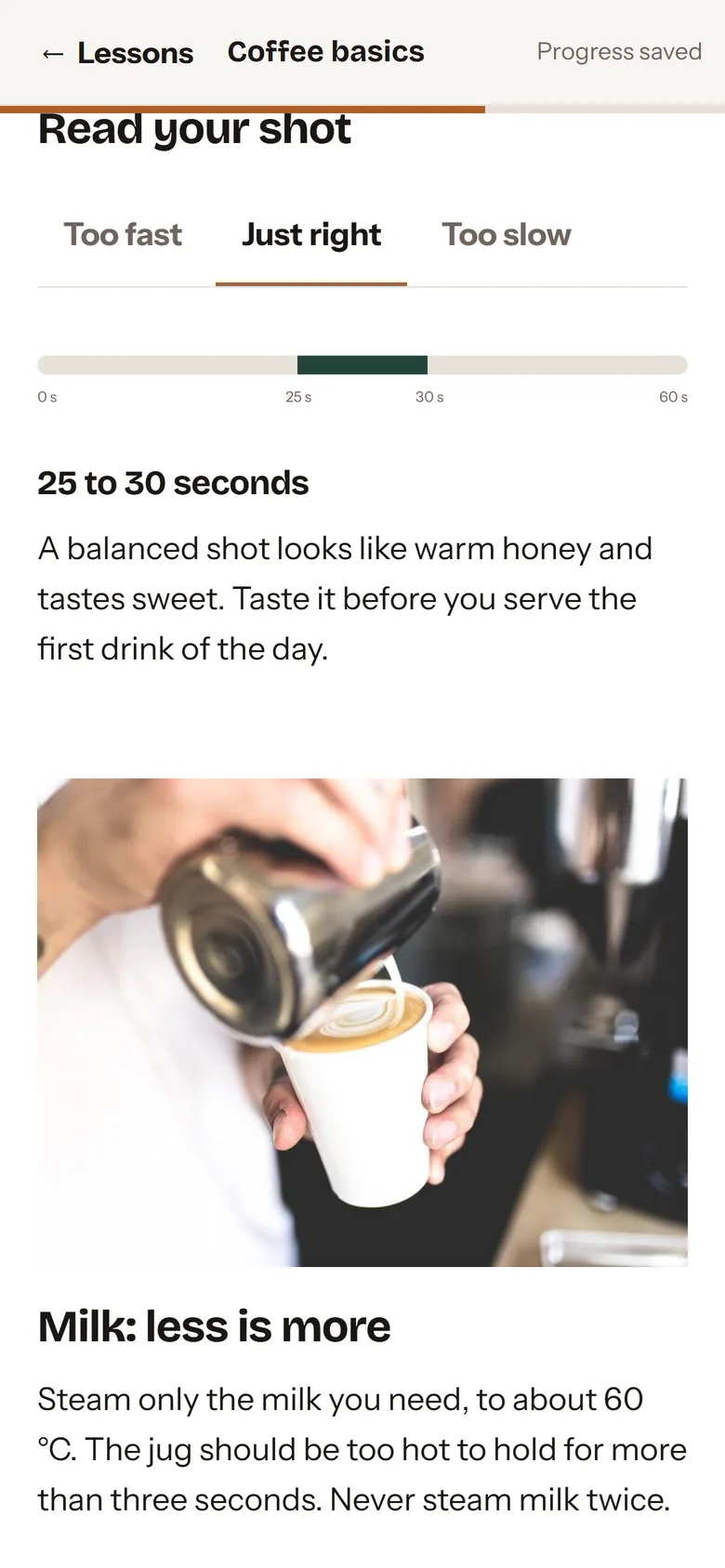
Interactive: read your shot
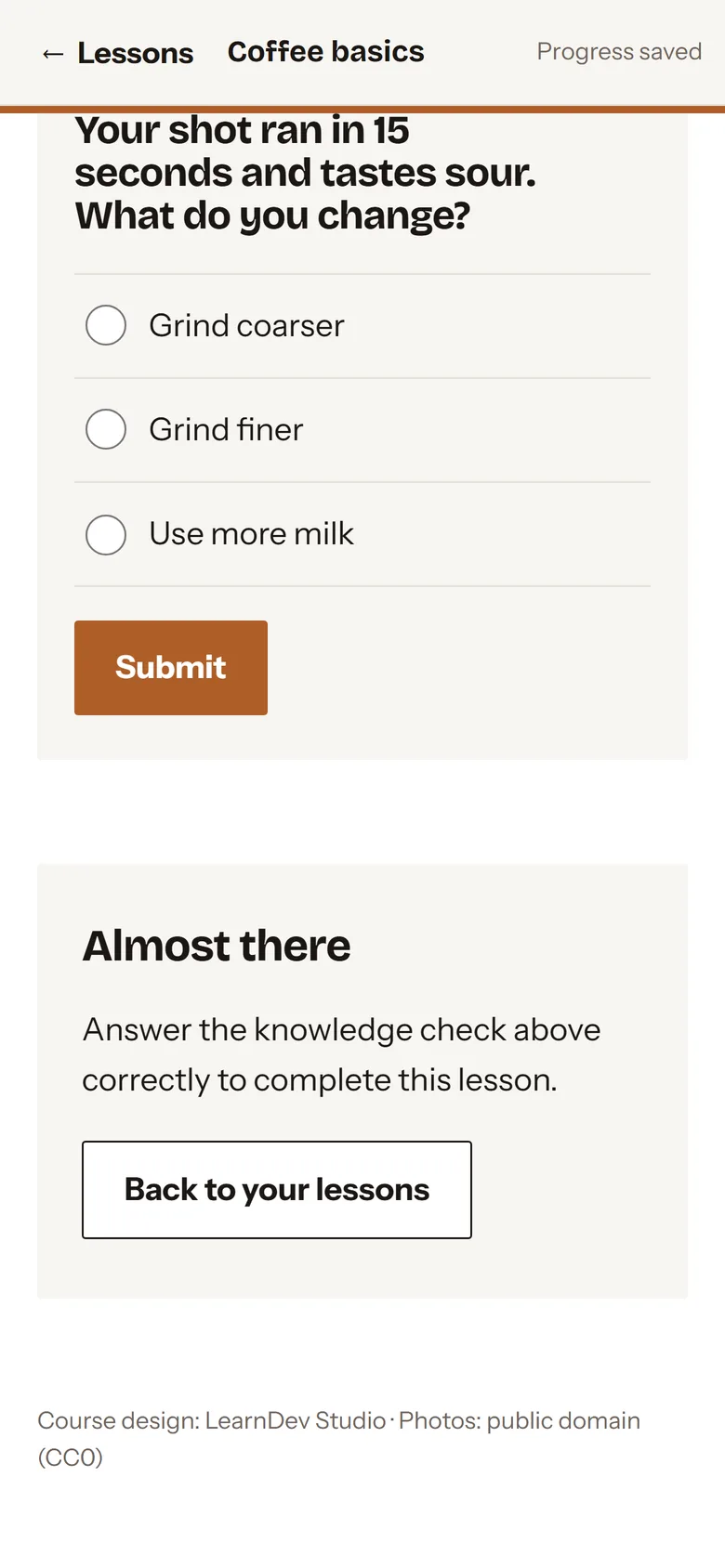
A check after every topic
The app
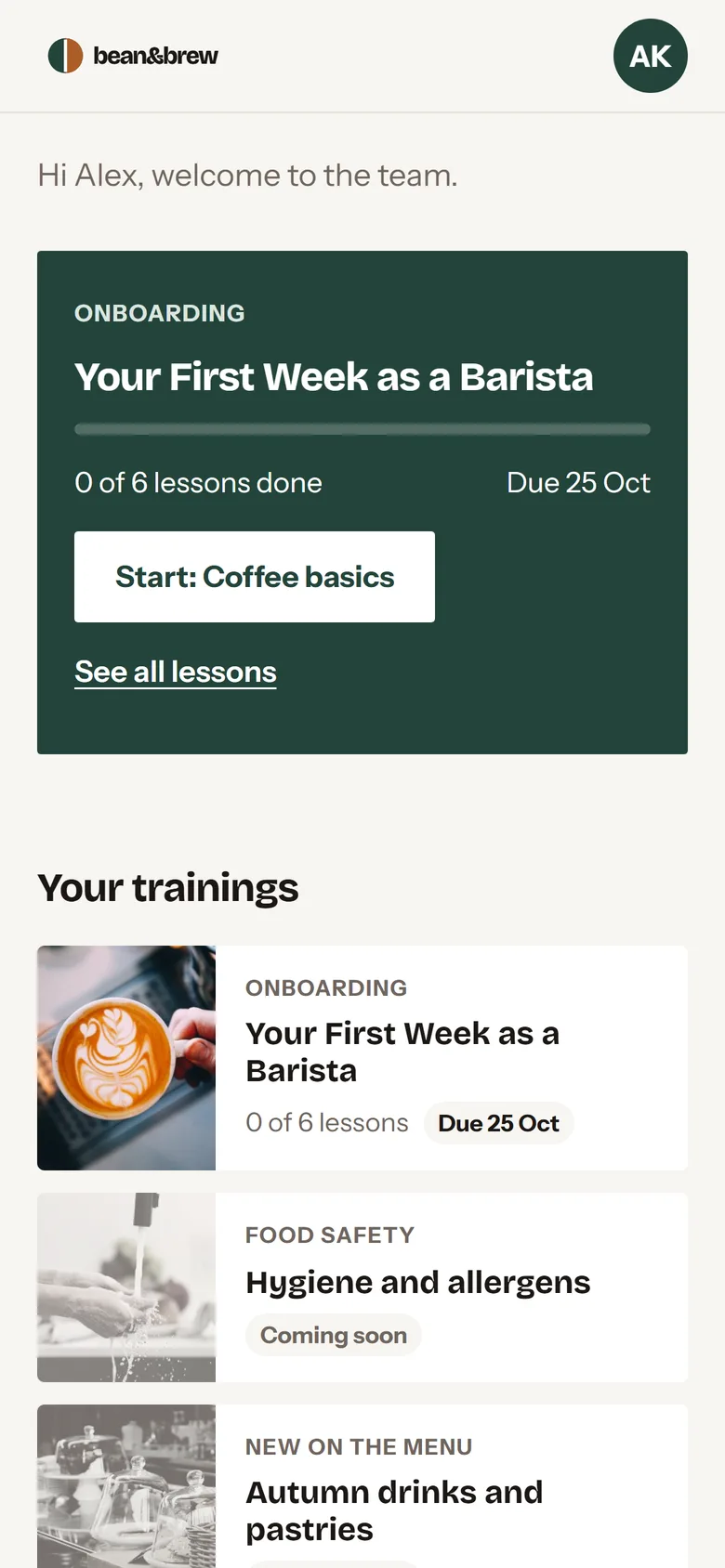
Nothing to download from a store. The app opens from a link or a QR code and goes on the home screen in one tap. Progress follows the person: start on the phone, finish on the computer.
Opens in a new tab. The demo account details are on the sign-in screen.
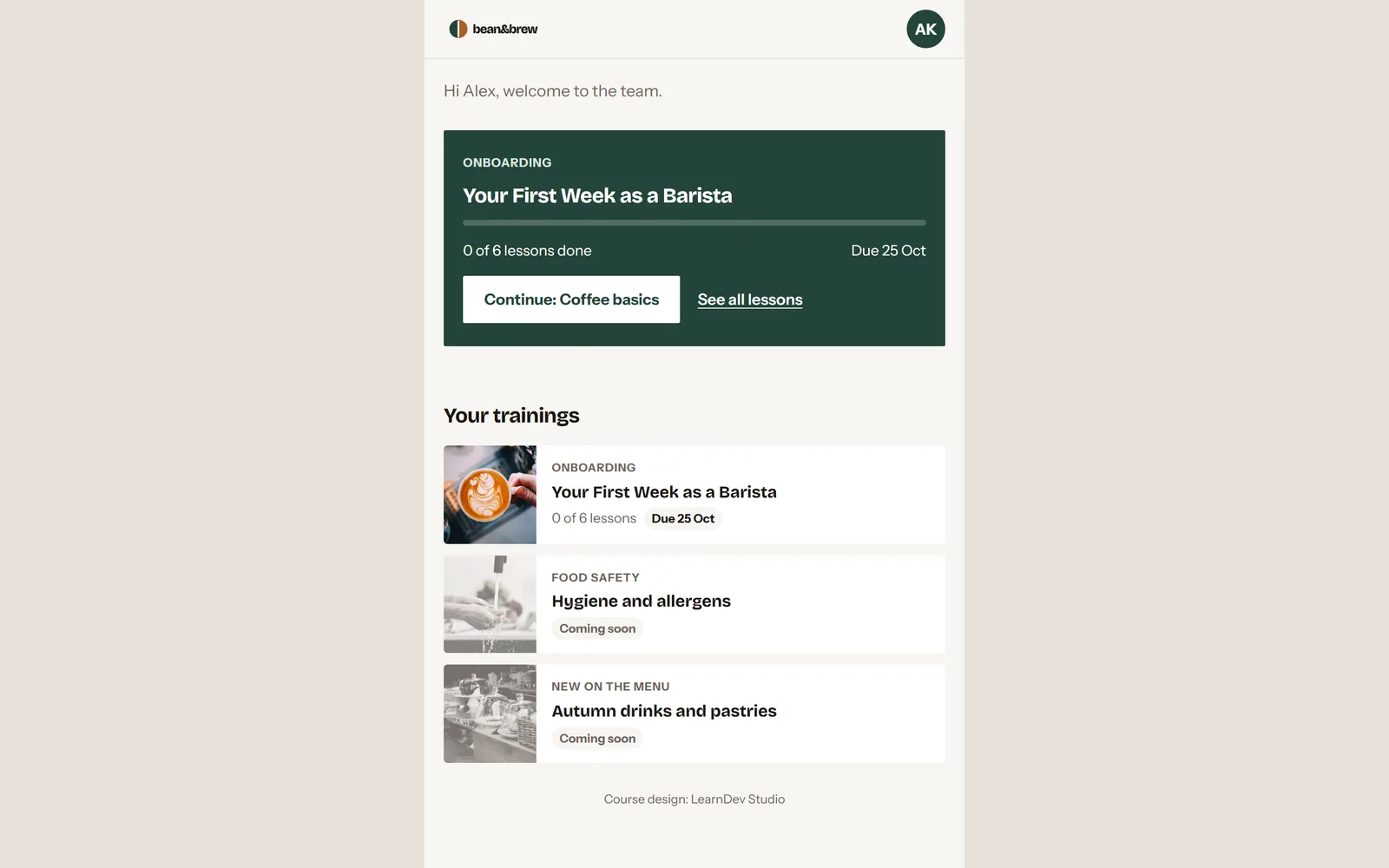
New people get a personal sign-in link: on a printed card with a QR code, by e-mail or by text message. They set a password, and on day one they are ready to learn.
Everyone sees what to complete and by when, with a clear warning when time is running out.
Short enough for a quiet moment between orders or the minutes before a shift.
Stop mid-lesson and pick up exactly where you left off, on any device.
The app keeps itself on the device, so a poor connection in the back room doesn't stop the learning.
Complete the training and download a certificate with your name and the date.
For managers and HR
Less time explaining the same things to every new person. More time behind the bar.
Upload your staff list or fill in our template. Teams and roles come with it.
Each person gets a personal sign-in link with a QR code. Print the cards all at once, or send the link by e-mail or SMS.
Onboarding for new hires, a hygiene refresher for everyone, a seasonal menu for the bar team.
Filter by café, training or status: completed, in progress, overdue.
A ready reminder e-mail for anyone who is falling behind.
Download the report to Excel: who completed what, and when.
New drinks on the menu? Upload the lesson and your team has it the same day.
Example data from the Bean & Brew demo.
How chains use it
A new barista knows your recipes and your standards before the end of week one.
A short lesson for every new drink and pastry, on every phone on launch day.
A regular refresher for the whole team, with a record of who completed it.
The same espresso and the same service in your first café and your twentieth.
Summer hires trained before their first shift, without taking your best barista off the bar.
Who completed which training, with dates, ready to export.
Your version
Bean & Brew is our demo brand. We build the same system on the way your cafés work.
Recipes, checklists, service standards. Whatever you already use, even if it lives in someone's head.
We write and design the lessons. You approve the script before production starts.
Your name, logo and colours on every screen.
We load your team and prepare the invitations: printed cards, e-mails or text messages. Your managers get a short walkthrough.
Already have a learning platform? Every lesson is also a standard SCORM package that works in your LMS.
Questions
No. They open the link from their invitation, sent by e-mail or SMS, or scan the QR code on a printed card. Adding the app to the home screen takes one tap, and from then on it opens like any other app.
Phones, tablets and computers: Android, iPhone and iPad, Windows and Mac, in any up-to-date browser. One account works on all of them.
Yes. Every lesson is a standard SCORM 1.2 package, so it also runs on your existing learning platform.
On servers in the European Union. Each client gets a separate installation, so your team's data is never mixed with anyone else's.
The demo is in English. Your version can be in the languages your teams speak.
Yes. Managers can publish new lessons in the panel, or we prepare them for you, for example for every new menu.
Contact
Tell us what your people need to learn and how you train them today: courses, the app, or both. We'll reply with a proposal and, if you like, walk you through the demo.
Opens in a new tab. The demo account details are on the sign-in screen.